
Standard Equipment
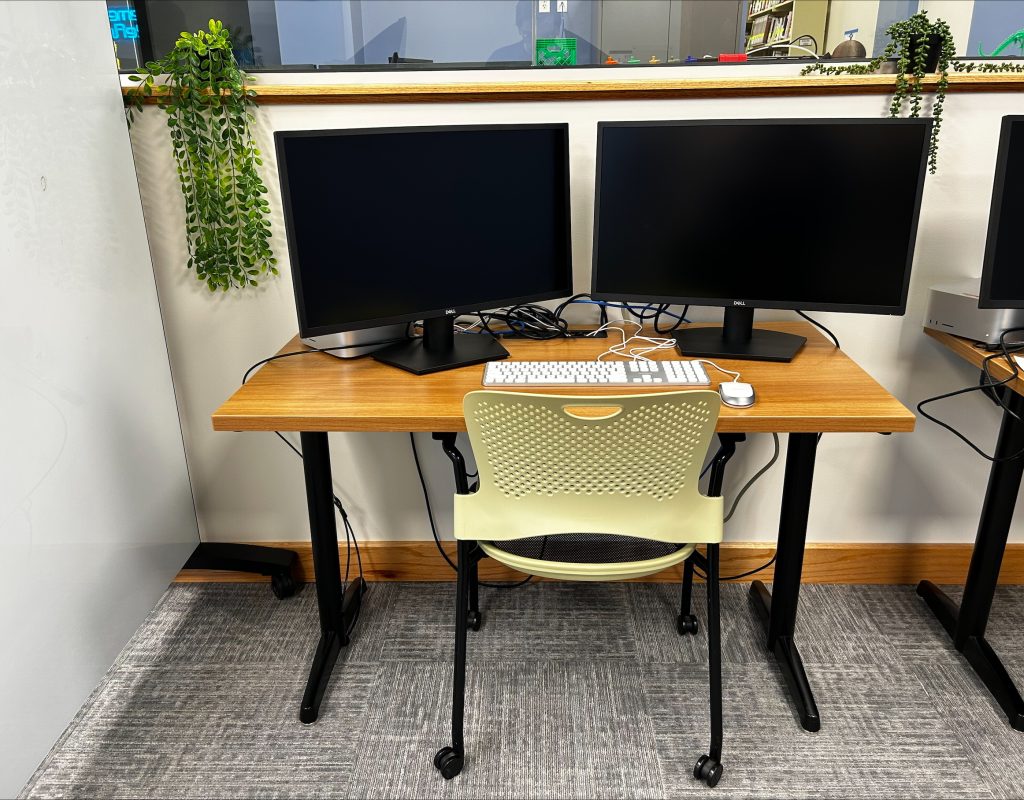
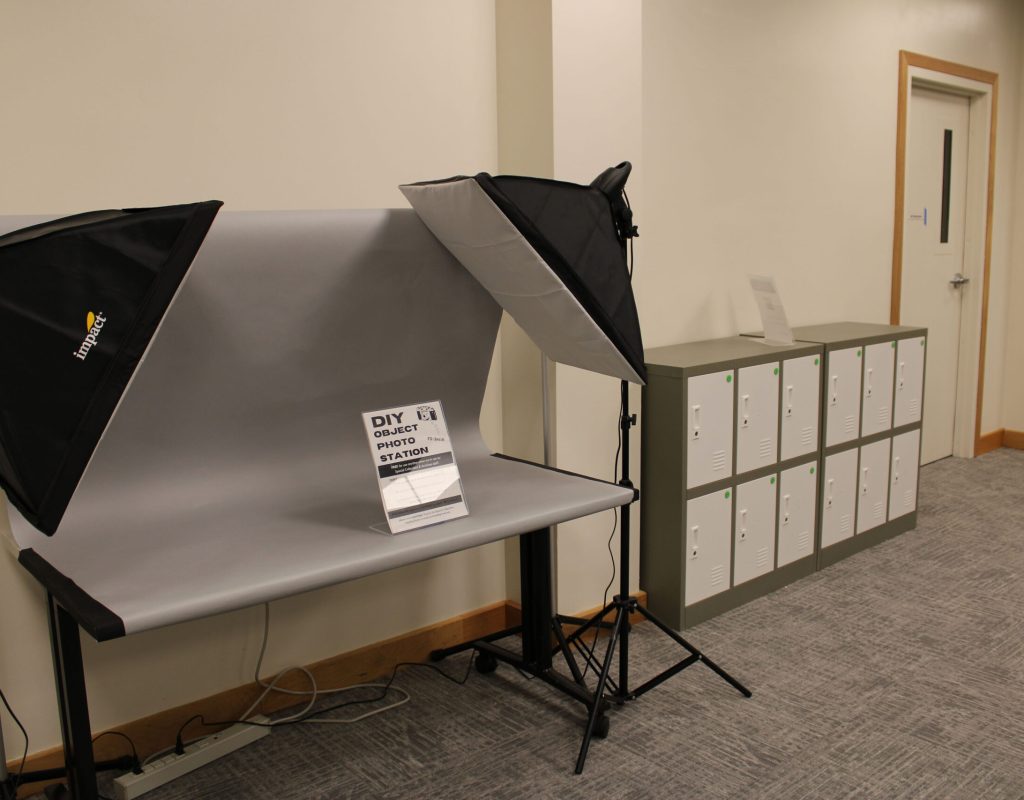
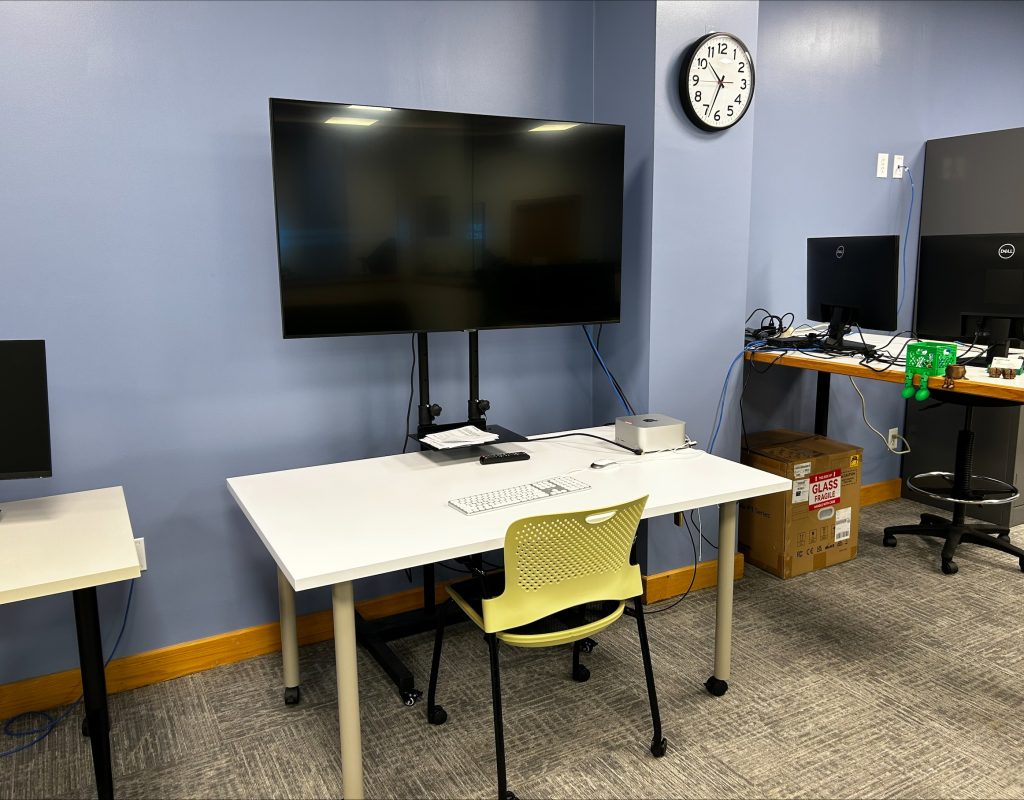
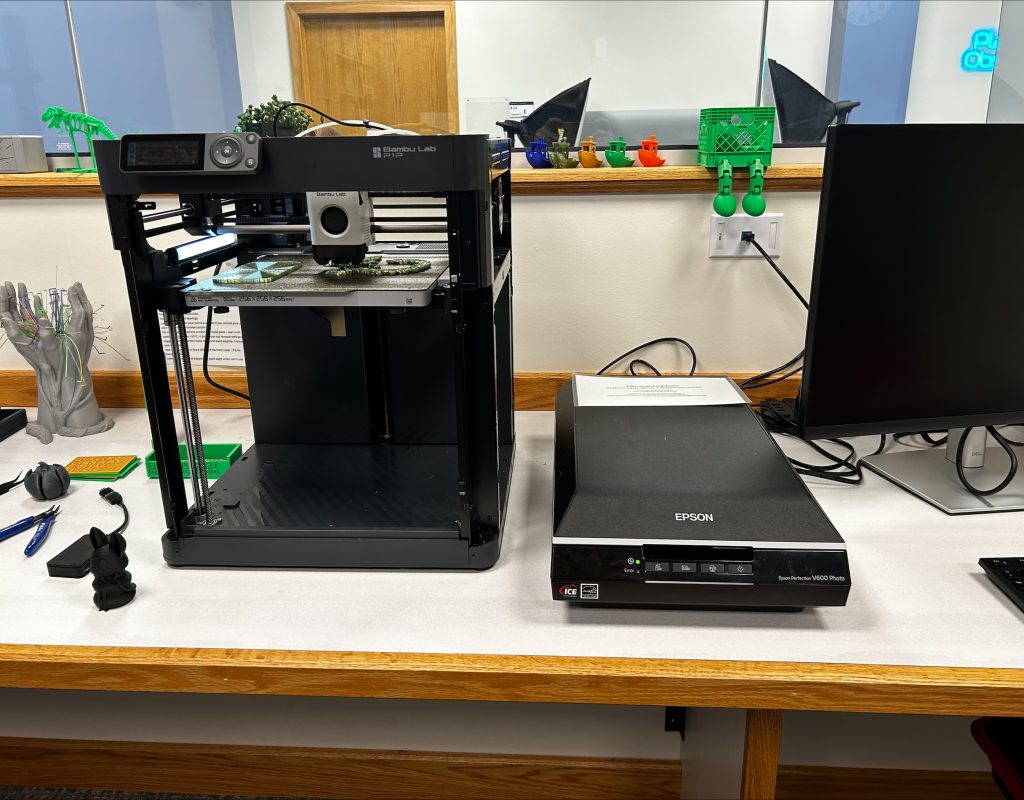
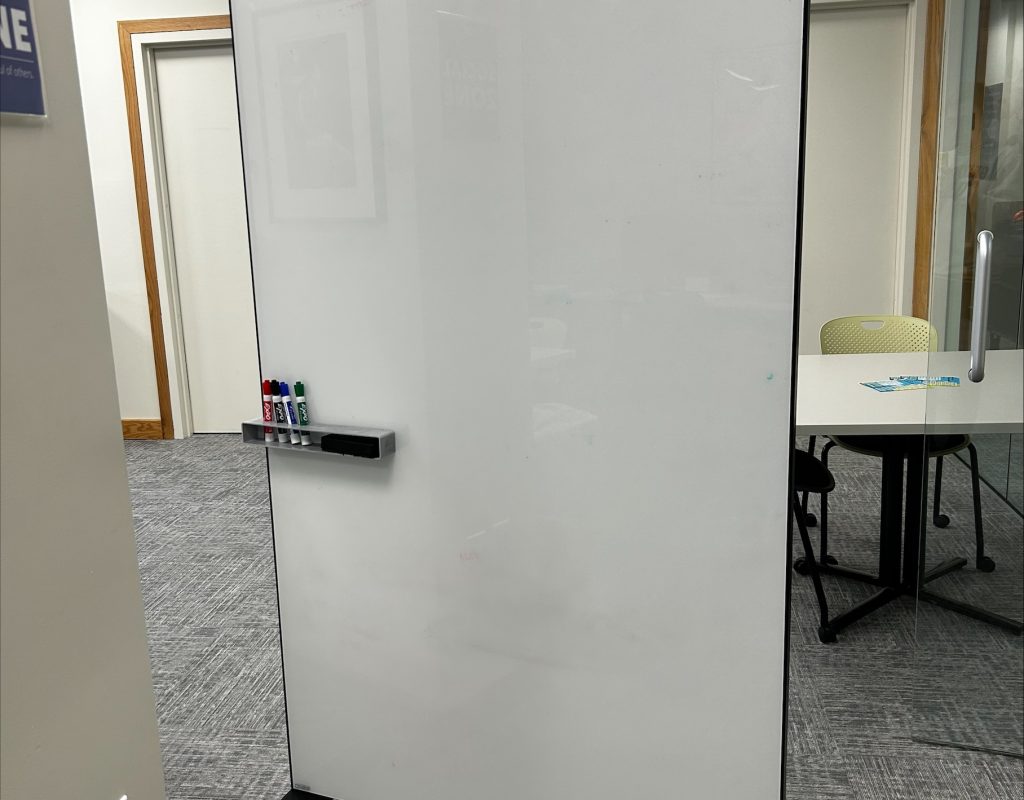
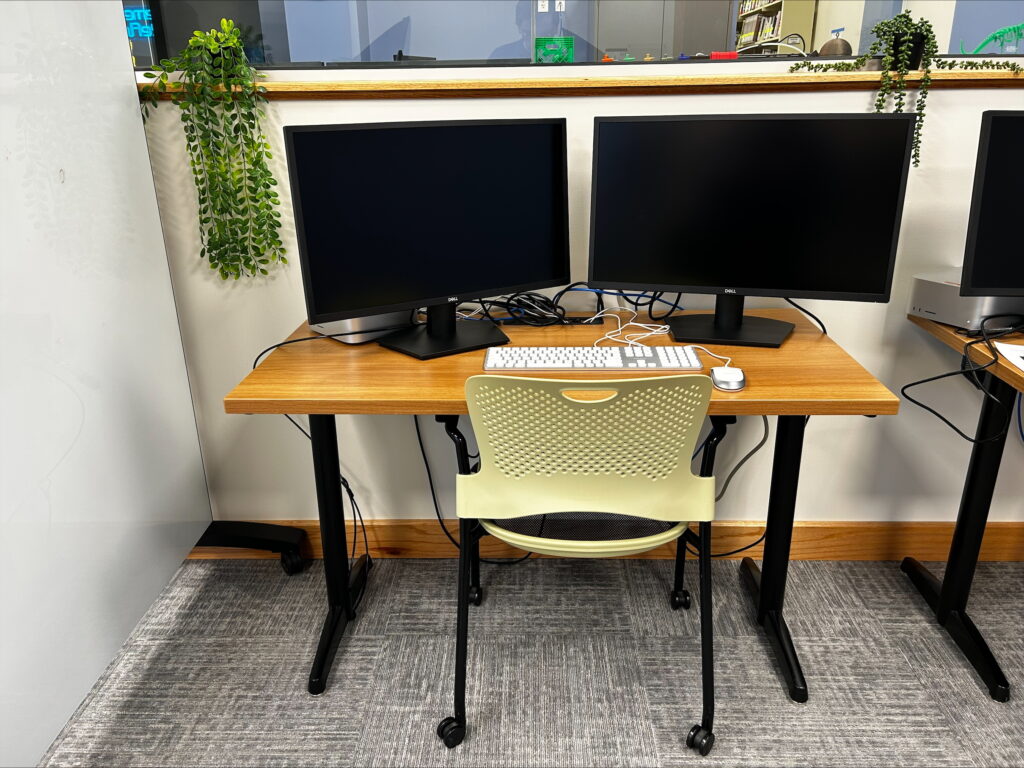
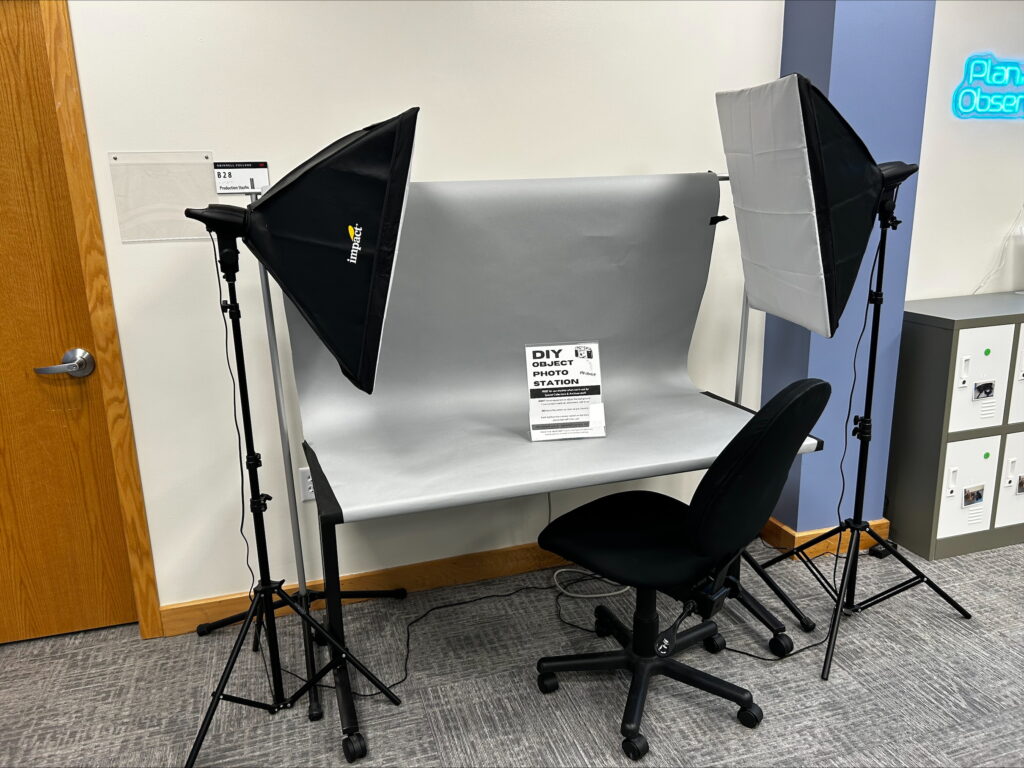
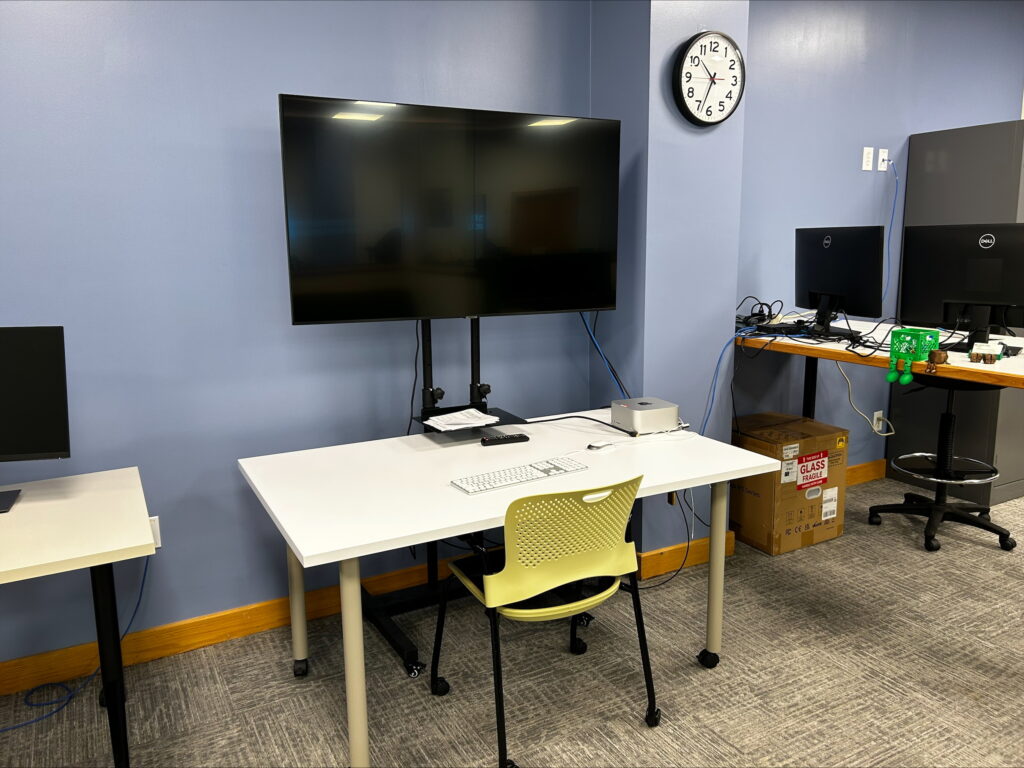
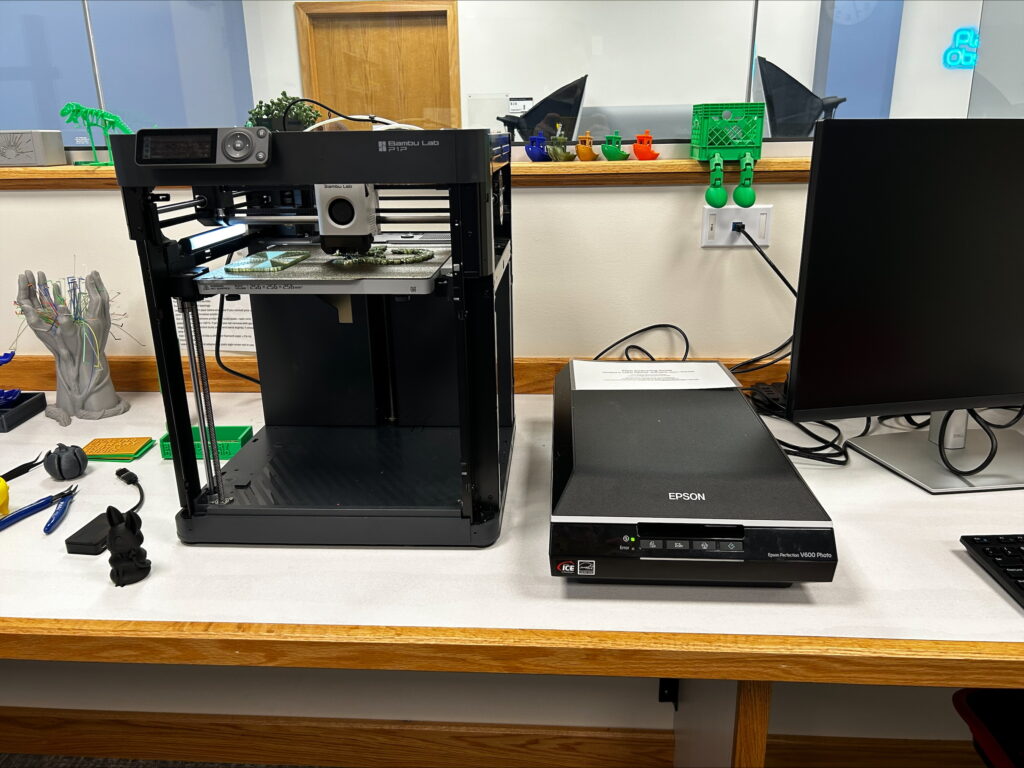
The dual-monitor stations are equipped to handle digital projects small and large. Take advantage of Adobe products to edit photos and videos, use Audacity or Garageband to create and edit audio, or test out how your project looks on a larger screen. Use the mobile whiteboard to chart ideas, scan materials with the Epson scanner, or use the object photo booth to take more professional photos of small subjects.


Workstation
Object Photo Station
Large Screen Station
Scanner and 3D Printer
Using the Workstations
For audio production:
- Use Audacity for recording interviews and podcasts—it is already installed on Digital Studio Mac computers
- Use Garageband for music production
- You can also record over a Powerpoint presentation/slideshow
- If you are familiar with other audio production tools, feel free to use them, but note that additional software may not be downloaded
For video production:
- Apple iMovie and Adobe Premiere Pro are good applications for working with video
- Browser-based tools like Panopto or WeVideo are also beginner-friendly
Other common software tools:
- Adobe Photoshop, InDesign, and Illustrator
- Microsoft Word and Excel
